
Search Console
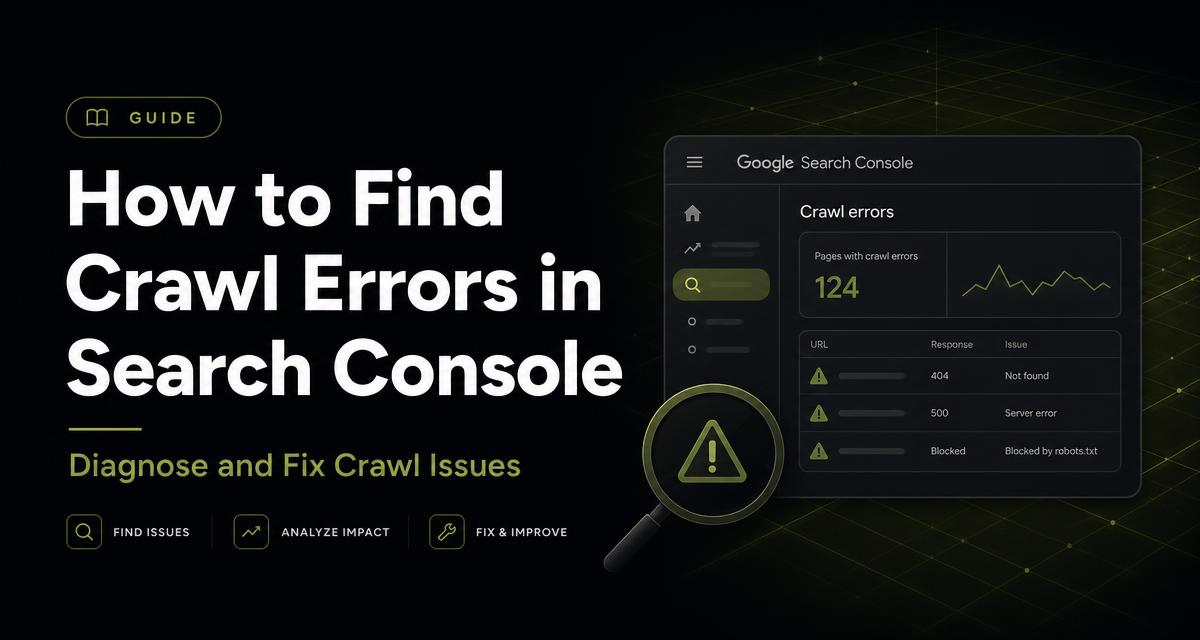
How to Find Crawl Errors in Google Search Console
9 min read
Published
Quick answer
Crawl errors live in three places: the Pages report (per-URL reasons such as 404, 5xx and blocked by robots.txt), Crawl Stats under Settings (host-level availability, response codes and crawl volume), and URL Inspection (single-URL detail). Fix server errors first, then robots and DNS problems, then 404s with traffic or links, and finally redirect chains and soft 404s.
Key takeaways
- Crawl Stats is the fastest way to spot host-level problems.
- 5xx errors are urgent: they suppress crawling across the whole site.
- Not every 404 needs fixing — only those with links or traffic.
- Redirect chains waste crawl budget and dilute signals.
- Soft 404s are content problems disguised as technical ones.
- Crawl rate follows site health: fix errors and crawling recovers.
Where crawl errors appear
Google split the old Crawl Errors report across several screens. Knowing which screen answers which question saves a lot of clicking.
| Screen | Shows | Use it to |
|---|---|---|
| Indexing → Pages | Per-URL reasons including 404, 5xx, robots blocks | Build the fix queue |
| Settings → Crawl Stats | Requests over time, response codes, host status, file types | Spot host-wide availability problems |
| URL Inspection | One URL's crawl and render detail | Confirm a diagnosis |
| Sitemaps | Errors in submitted sitemap files | Catch malformed or unreachable sitemaps |
Read Crawl Stats properly
Open Settings → Crawl Stats. Three signals matter. Host status should read No problems for robots.txt fetch, DNS resolution and server connectivity. The response-code breakdown should be dominated by 200 and 304; a rising share of 5xx or 429 means your server is struggling under Googlebot.
Total crawl requests should be steady or growing. A sustained fall usually follows availability problems, a slower server, or a large drop in content freshness.
Fix in priority order
Not all crawl errors cost the same. Work top to bottom.
- 5xx server errors — fix hosting, timeouts, memory or rate limiting immediately.
- robots.txt unreachable — Google pauses crawling entirely when it cannot fetch the file.
- DNS failures — resolve with your registrar or DNS provider.
- 404s on URLs with backlinks or historical traffic — redirect to the closest equivalent.
- Redirect chains and loops — collapse to a single hop.
- Soft 404s — add real content, or return a genuine 404 or 410.
- Blocked resources — allow CSS and JS so pages render correctly.
404s: when to act and when to ignore
A 404 is a valid response, not a penalty. Deleted pages should 404. The cost only appears when the missing URL still receives clicks or holds external links.
Redirect those to the closest relevant page — never blanket-redirect everything to the homepage, which Google usually treats as a soft 404 anyway. Leave genuinely dead, valueless URLs to 404 and let them fall out of the index naturally.
Keep crawl health monitored
Crawl problems are cheap to fix early and painful to discover after rankings slide. Check Crawl Stats monthly and after every infrastructure change, migration or traffic spike.
CrawlWeb crawls your site on a schedule, compares response codes and redirect chains against Search Console's reported states, and raises the ones that actually threaten indexed pages. Pair it with the technical SEO checklist.
Action checklist
- Host status shows no problems for robots, DNS and connectivity
- 5xx share of responses near zero
- 404s with links or traffic redirected appropriately
- Redirect chains reduced to one hop
- Soft 404s resolved with content or a true status code
- CSS and JS crawlable
Frequently asked questions
Do crawl errors directly hurt rankings?
Server errors and blocked crawling do, because Google cannot reliably access your pages. Isolated 404s on unimportant URLs generally do not.
How often should I check crawl stats?
Monthly for stable sites, and immediately after migrations, hosting changes or a sudden traffic drop.
What causes a sudden fall in crawl requests?
Usually server slowness or 5xx errors, an unreachable robots.txt, or a large reduction in new and updated content.
Should every 404 be redirected?
No. Redirect only URLs with backlinks, traffic or an obvious equivalent. Irrelevant redirects create soft 404s.
Can I control how fast Google crawls?
Google removed the manual crawl-rate setting. Crawl rate now adapts automatically to server response times and site health.
Ready to grow your website with AI?
Run a free AI website audit and see your SEO, AEO and GEO scores in minutes.
Start free