
Indexing Fix
How to Fix “Crawled – Currently Not Indexed”
8 min read
Published
Quick answer
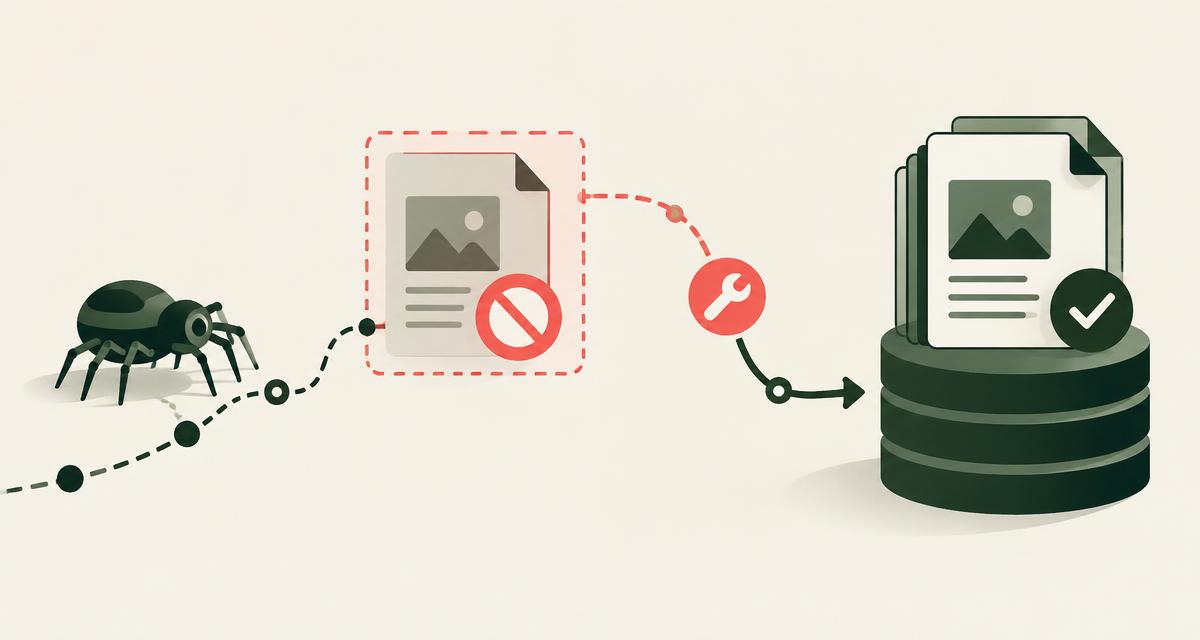
“Crawled – currently not indexed” means Google visited the URL but did not add it to the index at the time reported. Fix the underlying reason: confirm technical eligibility, consolidate duplicates, strengthen unique page value and internal links, then request indexing after a meaningful change.
Key takeaways
- The status is an indexing decision, not proof of a crawl block.
- Do not repeatedly request indexing without changing the page.
- Check canonical, rendering and duplication before rewriting content.
- Improve pages that serve a real search need; consolidate pages that do not.
- Validate a representative set before applying a sitewide fix.
What does “Crawled – currently not indexed” mean?
Google successfully requested the URL but chose not to include it in the searchable index at the time of processing. Google may revisit the decision, so the status does not always indicate a permanent problem.
The report does not name one universal cause. Common explanations include duplication, weak or redundant content, unclear canonical signals, soft-404 characteristics, rendering problems and low internal prominence. Start with evidence from a small sample rather than assuming every affected URL has the same defect.
Step 1: confirm that the page is technically indexable
Inspect the exact URL in Search Console and run a live test. The final response should be 200, crawling should be allowed, the page should not contain noindex, and its canonical should represent your intended indexable version.
Compare source and rendered HTML. The title, primary content, links, canonical and robots directive should remain visible after rendering. Use the technical SEO checklist to rule out conflicting signals.
- No meta robots or X-Robots-Tag noindex.
- No redirect, soft 404 or server error.
- Correct self-referencing canonical for a unique page.
- Primary content present in rendered HTML.
- URL included in a clean sitemap when appropriate.
Step 2: check duplication and canonical selection
Compare the affected page with category, tag, filter, location and near-identical content variants. If several URLs satisfy the same purpose with substantially the same information, consolidate them or make their roles genuinely distinct.
In URL Inspection, compare the declared canonical with Google's selected canonical. A mismatch is a clue, not an instruction to force a page into the index. Align internal links, sitemaps, redirects and canonical tags around the preferred URL.
| Evidence | Likely response |
|---|---|
| Google selected another canonical | Consolidate signals around the preferred URL |
| Near-identical template pages | Merge, differentiate or exclude low-value variants |
| Soft-404 language or sparse content | Add useful substance or return the correct status |
| Multiple parameter versions | Normalize links and canonical handling |
Step 3: improve the page's unique value
A technically valid page can still remain unindexed when it adds little beyond other available pages. Match the page to a specific user need, answer the core question early, add original evidence or practical detail, and remove filler.
For articles, include first-hand examples, clear steps, definitions and sources where needed. For product or service pages, explain the offer, who it is for, differentiators and relevant proof without inventing claims. A longer page is not automatically a better page.
- State the page's purpose in the title, H1 and opening answer.
- Add original examples, comparisons, screenshots or data you can support.
- Resolve intent overlap with other pages.
- Update stale facts and remove unsupported claims.
- Use descriptive headings and concise answers for AEO readiness.
Step 4: strengthen discovery and internal importance
Link to the page from relevant indexed pages with descriptive anchor text. Avoid leaving important URLs only in a sitemap, JavaScript interaction or deep archive. Internal links help crawlers discover context and show how the page fits the site.
Repair orphan pages and reduce unnecessary click depth. The on-page SEO guide covers titles, headings and internal relevance signals.
Step 5: validate the fix without creating noise
After a meaningful change, test the live URL and request indexing once. Monitor URL Inspection and the Pages report over time. Do not submit repeated requests every day; indexing remains Google's decision.
If a large group shares one template defect, fix the template first and validate representative pages. If only low-value archive or filter pages are affected, exclusion may be the correct outcome rather than a failure.
Action checklist
- Inspect representative URLs.
- Confirm 200, crawl allowed and no noindex.
- Compare declared and selected canonicals.
- Check rendered content and soft-404 signals.
- Consolidate duplicates or improve distinct value.
- Add relevant internal links.
- Request indexing after a meaningful fix.
- Monitor the affected group.
Frequently asked questions
Is “Crawled – currently not indexed” an error?
It is a Search Console status, not a single technical error. Google crawled the URL but did not select it for indexing at that time. The right response depends on the page's technical signals, uniqueness and usefulness.
Should I request indexing immediately?
Only after checking and improving the page. Repeated requests without a meaningful change do not fix duplication, quality or canonical problems.
Can thin content cause this status?
Yes, but thin means insufficient value for the page's purpose, not merely a low word count. A short page can be useful; a long duplicate can still be weak.
Should every affected URL be indexed?
No. Filter pages, duplicate archives, obsolete URLs and low-value variants may be correctly excluded. Focus on canonical pages that serve a distinct user and search need.
How long does a fix take to appear?
There is no guaranteed timeline. Google must recrawl and reprocess the URL, and the report can update after that. Monitor rather than repeatedly resubmitting.
Ready to grow your website with AI?
Start with a free check that search and AI crawlers can reach your site. The full $12 audit then scores SEO, AEO and GEO with a prioritized plan.
Run a free crawlability check